14. Integrations
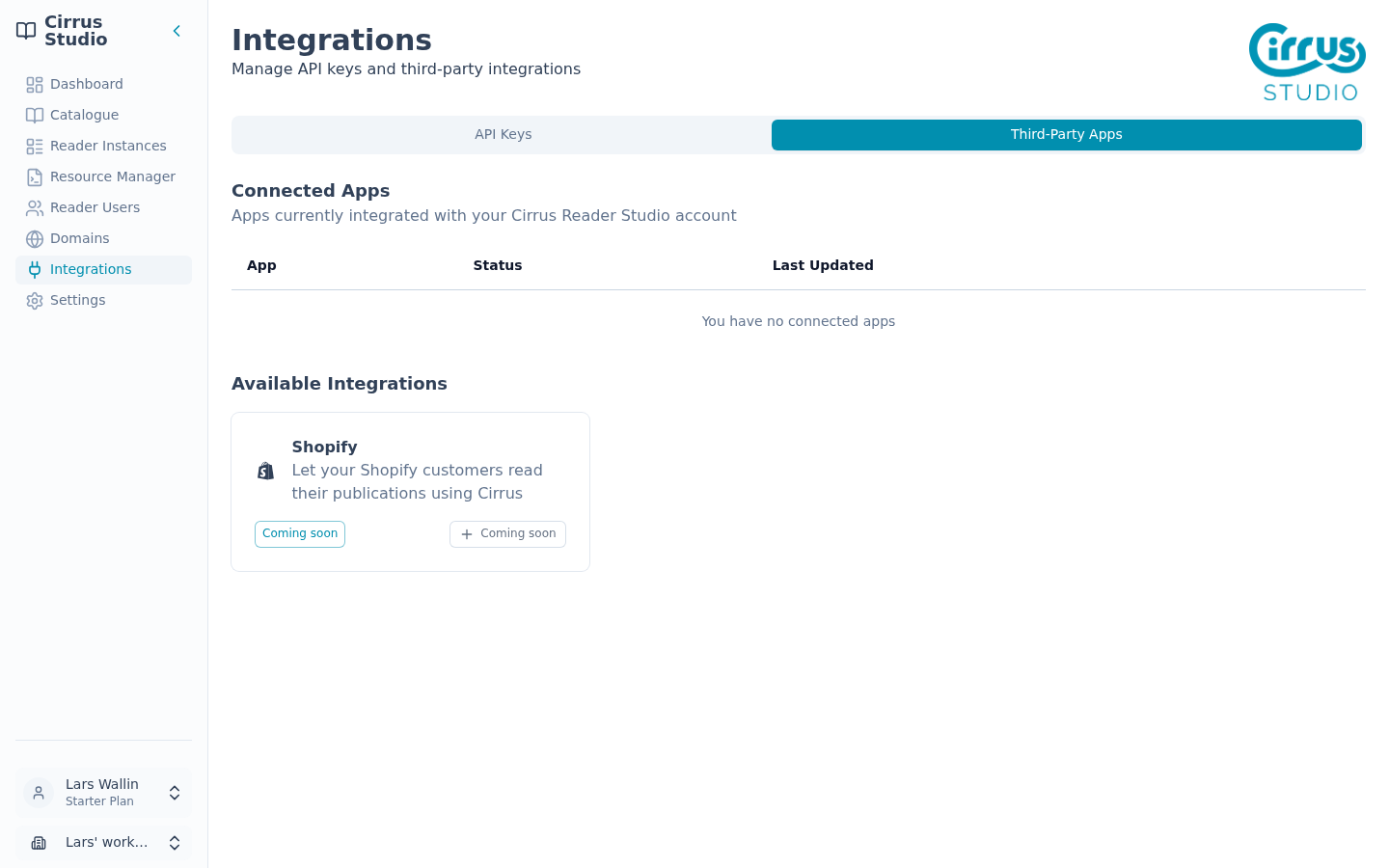
The Integrations page is where you create API keys and connect Cirrus to other services. Click Integrations in the menu. It has two tabs: API Keys and Third-Party Apps.
14.1 API keys
An API key lets another system, such as your website's server or an online shop, talk to Cirrus automatically. You need one if a Reader Instance uses Pre Authentication, or if your web team builds something with the Cirrus API.
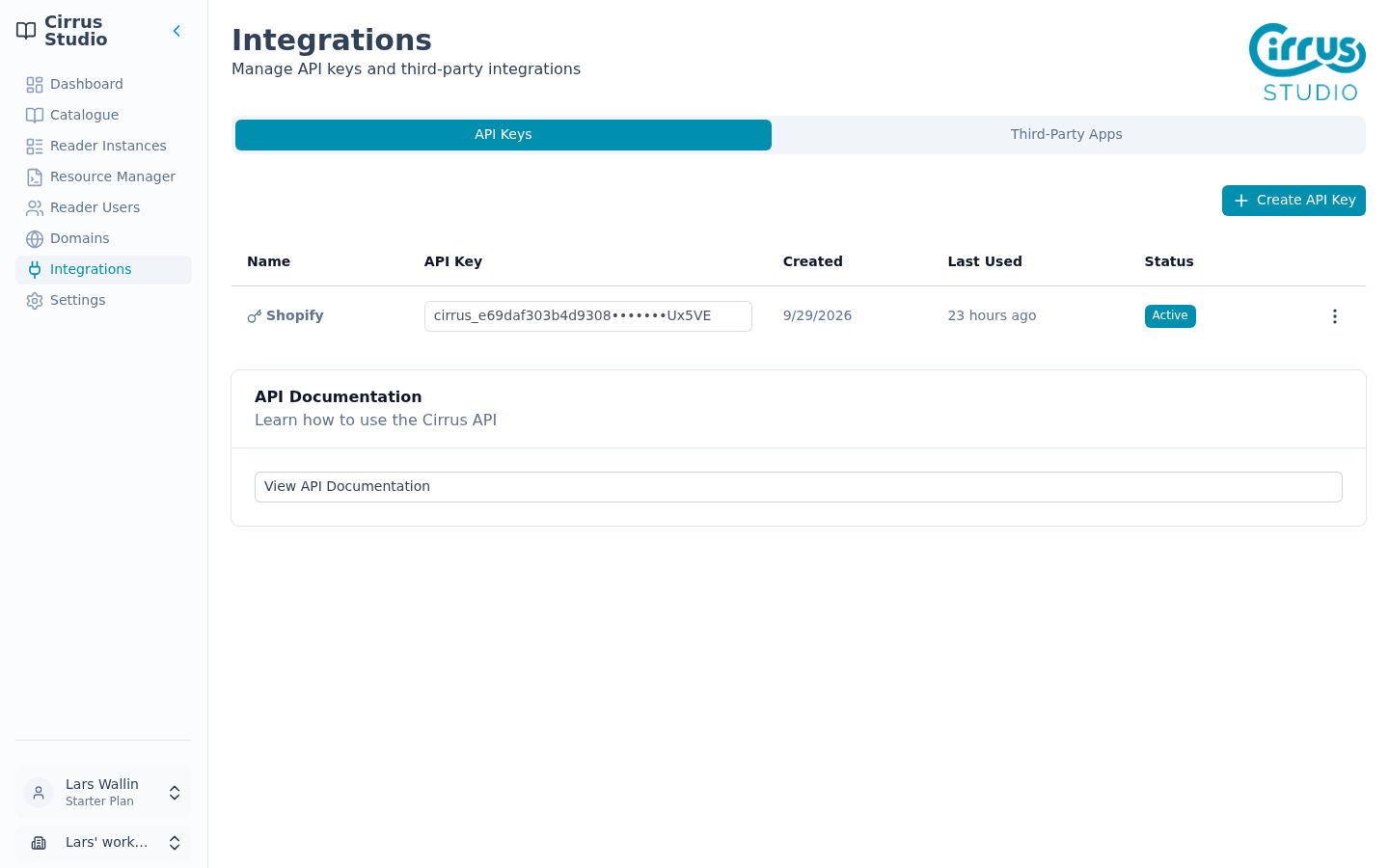
The list shows each key's Name, a shortened version of the API Key, when it was Created and Last Used, and its Status (Active or Inactive).
Create an API key
- Click Create API Key.
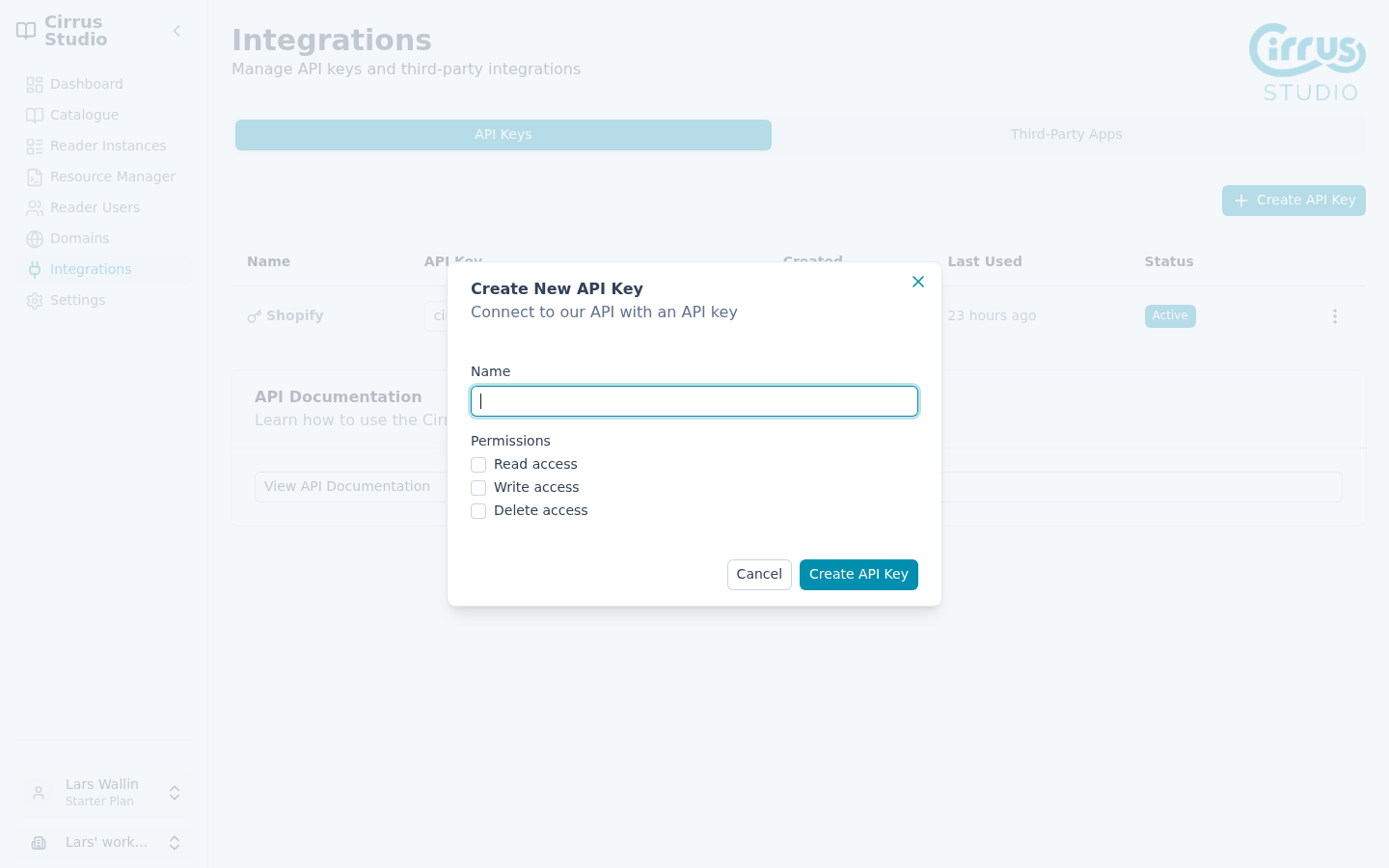
- Give the key a Name that indicates what it is for, such as "Website server" or "Shop integration".
- Under Permissions, tick only what the key needs:
- Read access: look up information.
- Write access: add or change information.
- Delete access: delete information.
If you are not sure, ask your web team.
Important: The full key is shown only once, straight after you create it. As soon as you leave or reload the page, or edit or revoke the key, only the shortened version is shown and the full key cannot be seen again. Be ready to copy it.
- Click Create API Key.
- Click the copy button next to the new key and store it somewhere safe, such as a password manager.
If you lose a key, create a new one and delete the old one.
Treat API keys like passwords: send them securely and never put them on a public web page.
Turn a key off, change it or delete it
Open the key's ⋮ menu:
| Action | What it does |
|---|---|
| Revoke API Key | Turns the key off (its status becomes Inactive). Anything using it stops working. This can be undone: the menu item changes to Enable API Key. |
| Enable API Key | Turns an inactive key back on. |
| Edit API Key | Changes the key's name or permissions. Click Save API Key to save. |
| Delete API Key | Deletes the key permanently, after you confirm. This cannot be undone. |
API documentation
The API Documentation box on this tab has a View API Documentation button. It opens docs.cirrusreader.com, the technical guide for developers. Share this link with your web team.
14.2 Third-party apps
The Third-Party Apps tab shows services that can be connected to Cirrus.